iPhone · Sleep sounds & music alarm

Drift into calm.
Wake with rhythm.

LuxRise turns your nights into immersive journeys of sound — curated soundscapes to help you unwind, then a personalized alarm that wakes you to your favorite music from Spotify or Apple Music, easing up like a sunrise.

  • ★★★★★ 5.0 on the App Store
  • Free · no ads
  • iOS 18.6+
9:41
:
Rings in 18h 15m
Live re-creation · scroll the wheel, tap Go to Sleep
Streams from
● Spotify Apple Music
· Curated soundscapes · Sleep timer · Sunrise alarm

Drift into calm

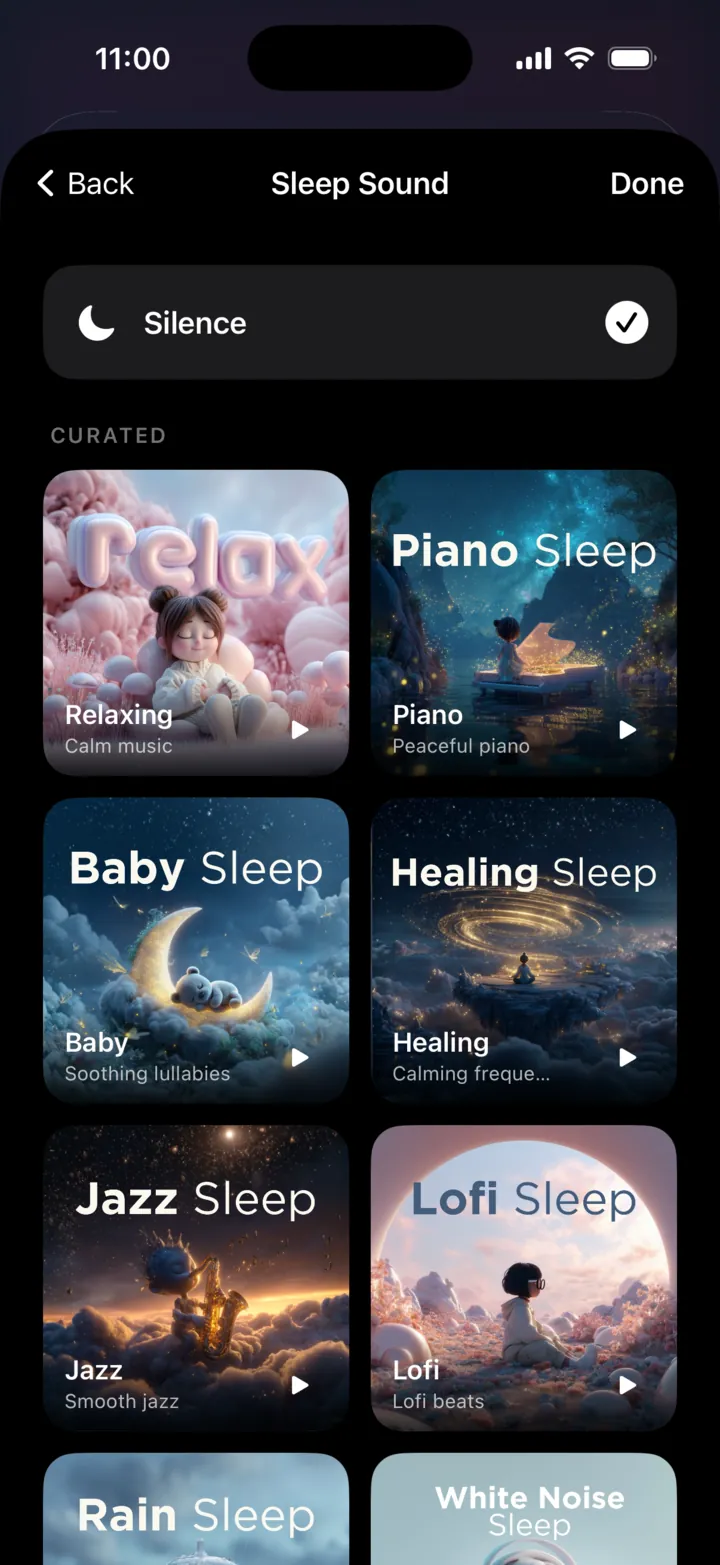
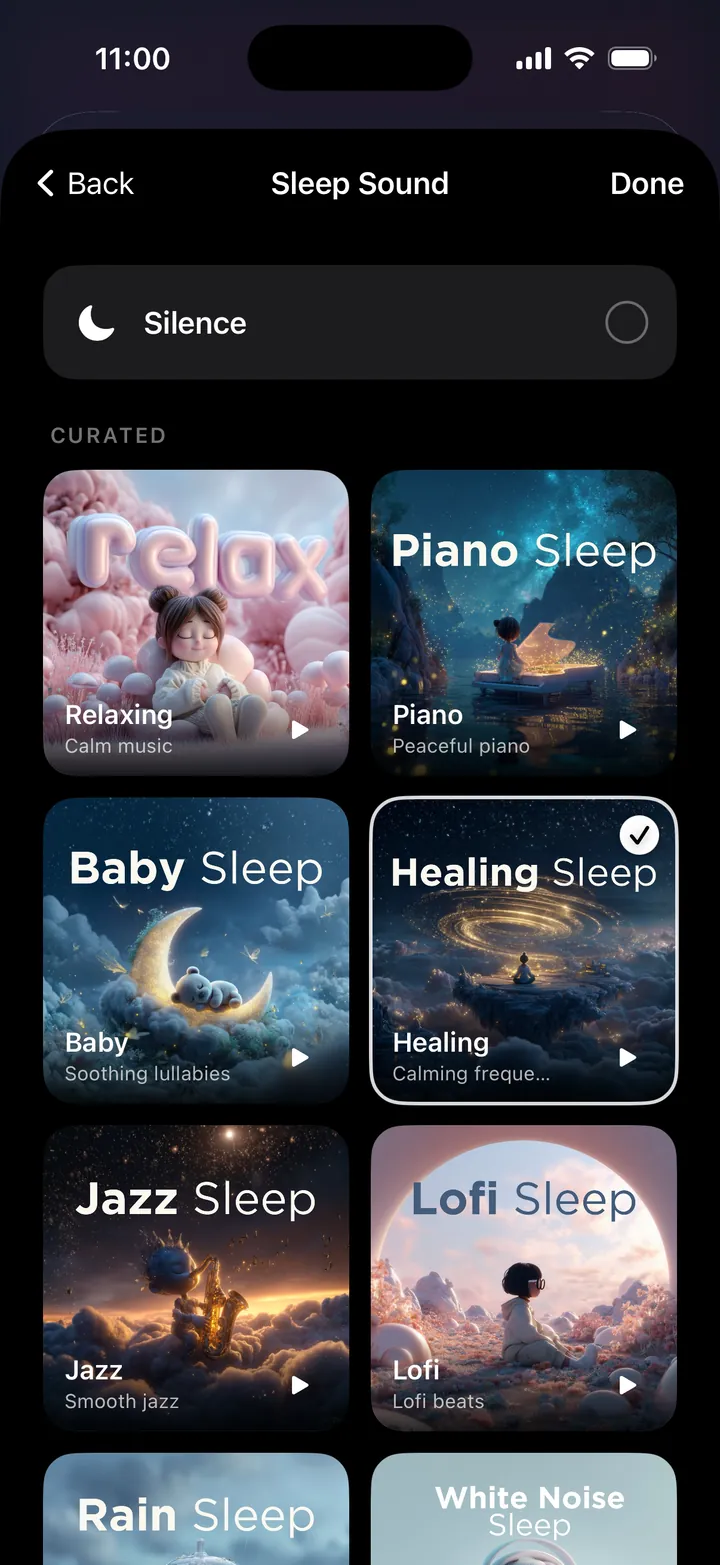
Eight soundscapes,
made for falling asleep.

Rain, piano, lofi, healing frequencies and more — curated playlists that stream from Spotify or Apple Music. Set a sleep timer for 15, 30 or 60 minutes, or let it run gently until your alarm.

Open in
Technology should enhance life,
not complicate it.

No feeds. No noise. Two things done beautifully — helping you fall asleep, and getting you out of bed feeling human.

Wake with rhythm

Your music. Your sunrise.

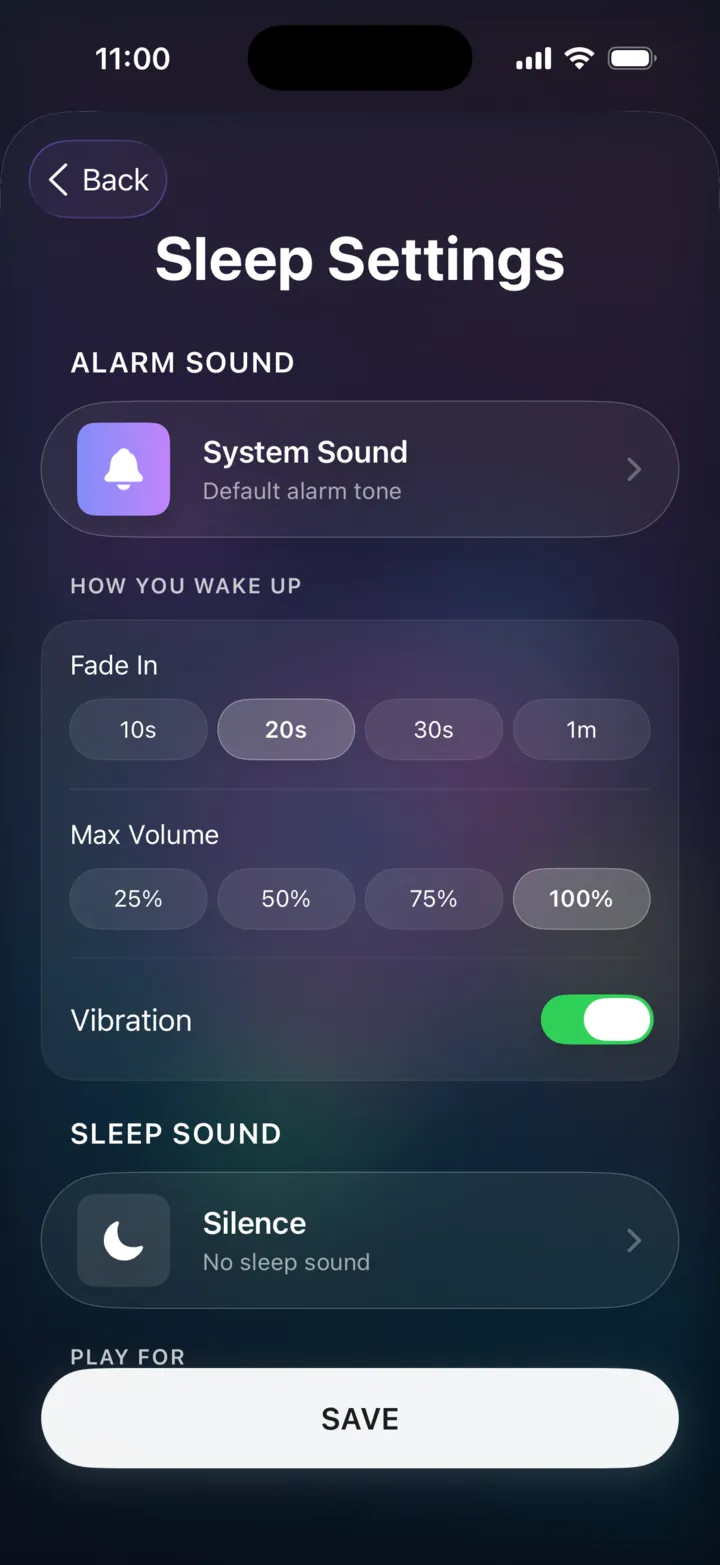
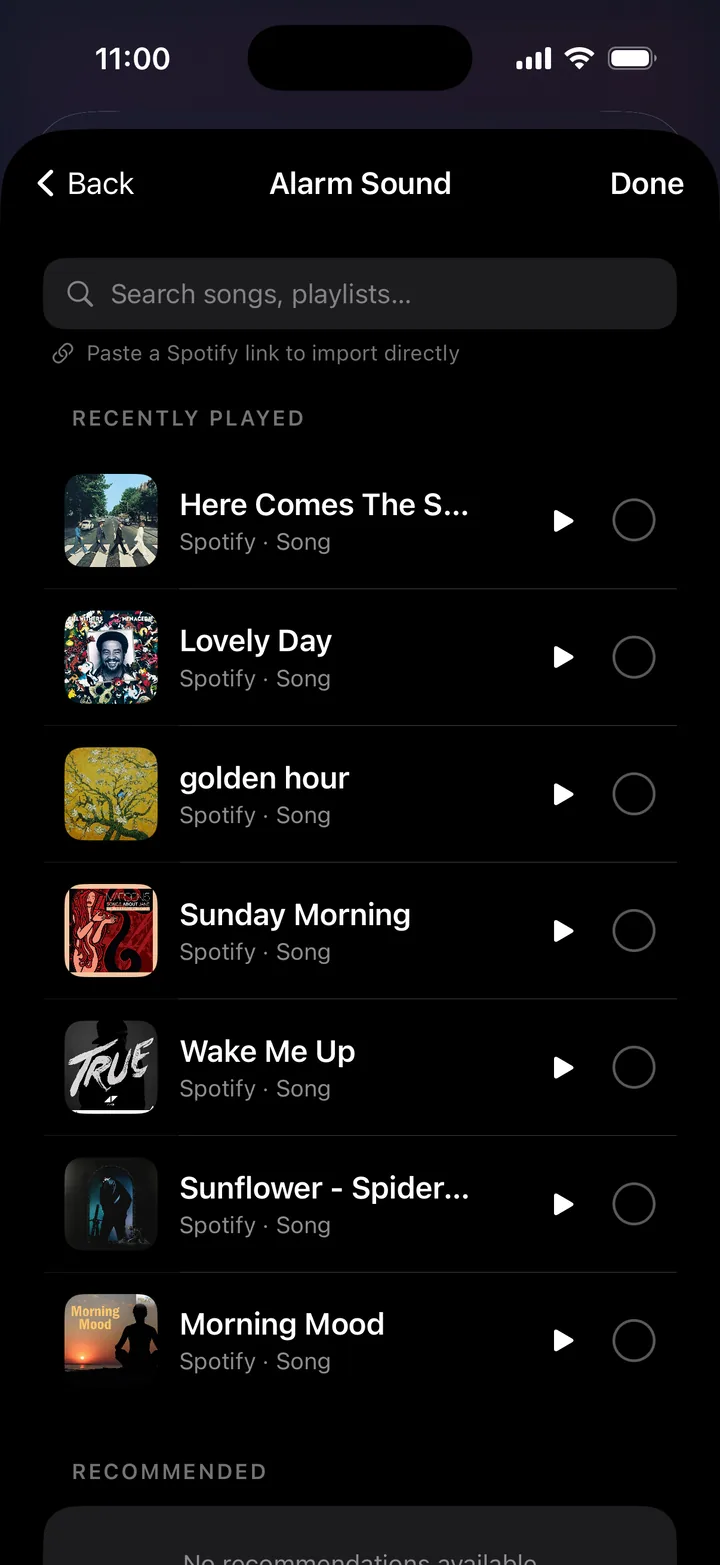
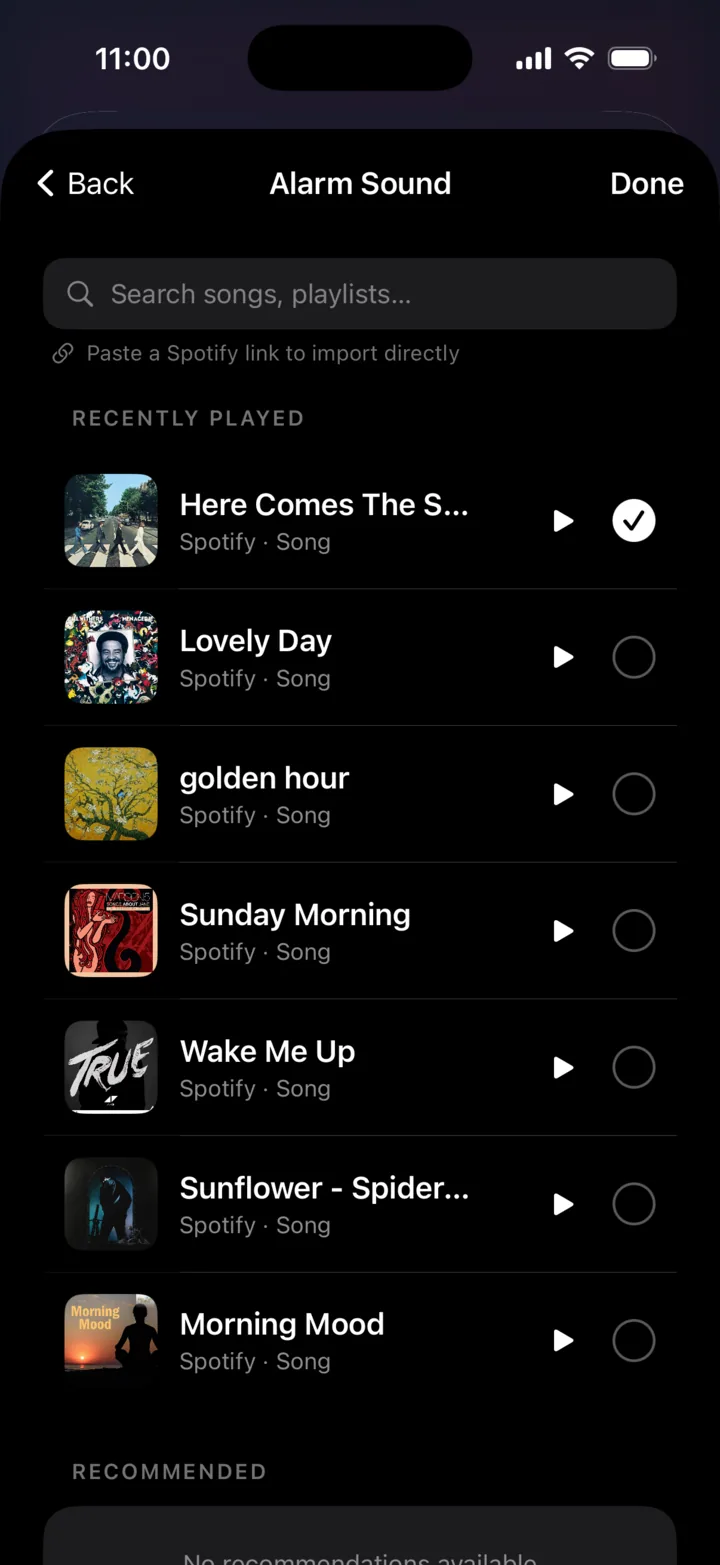
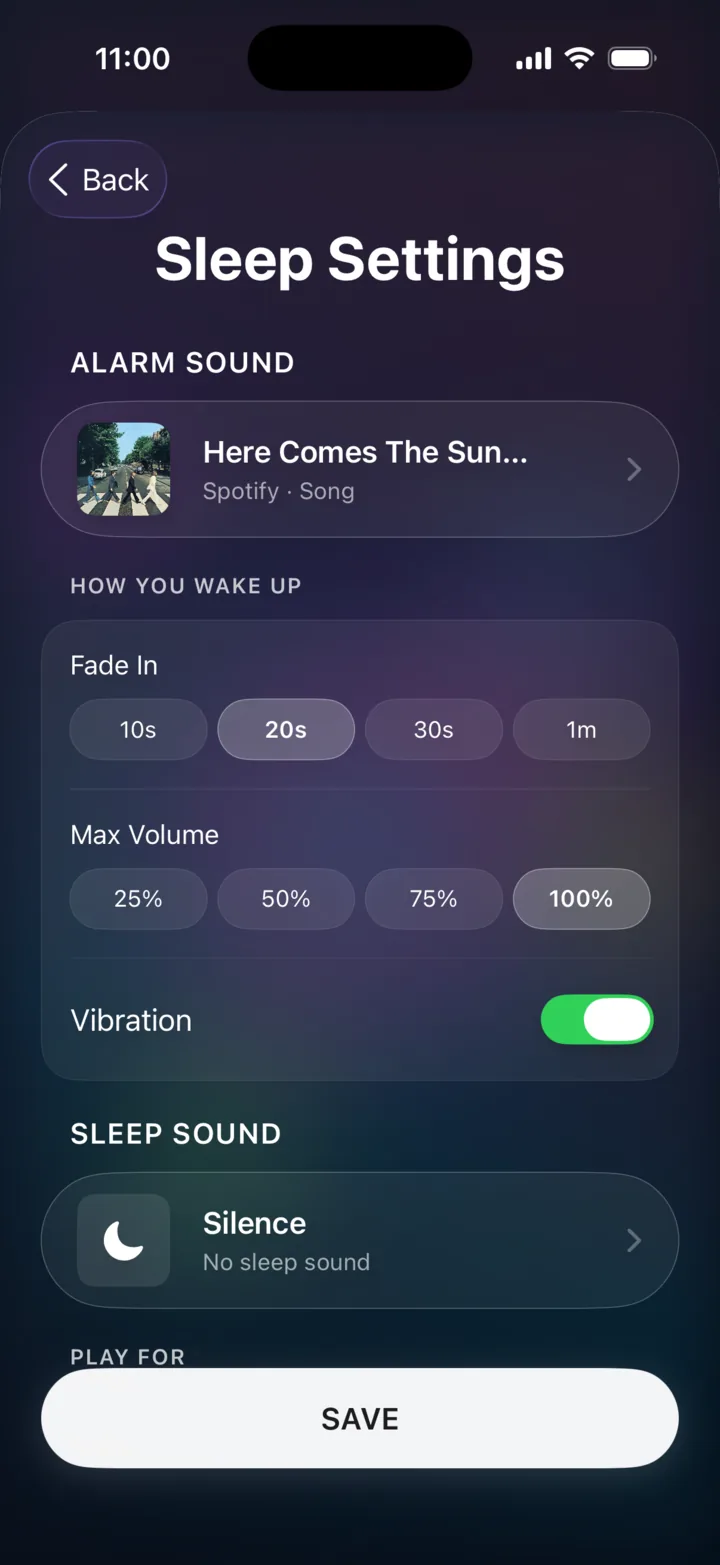
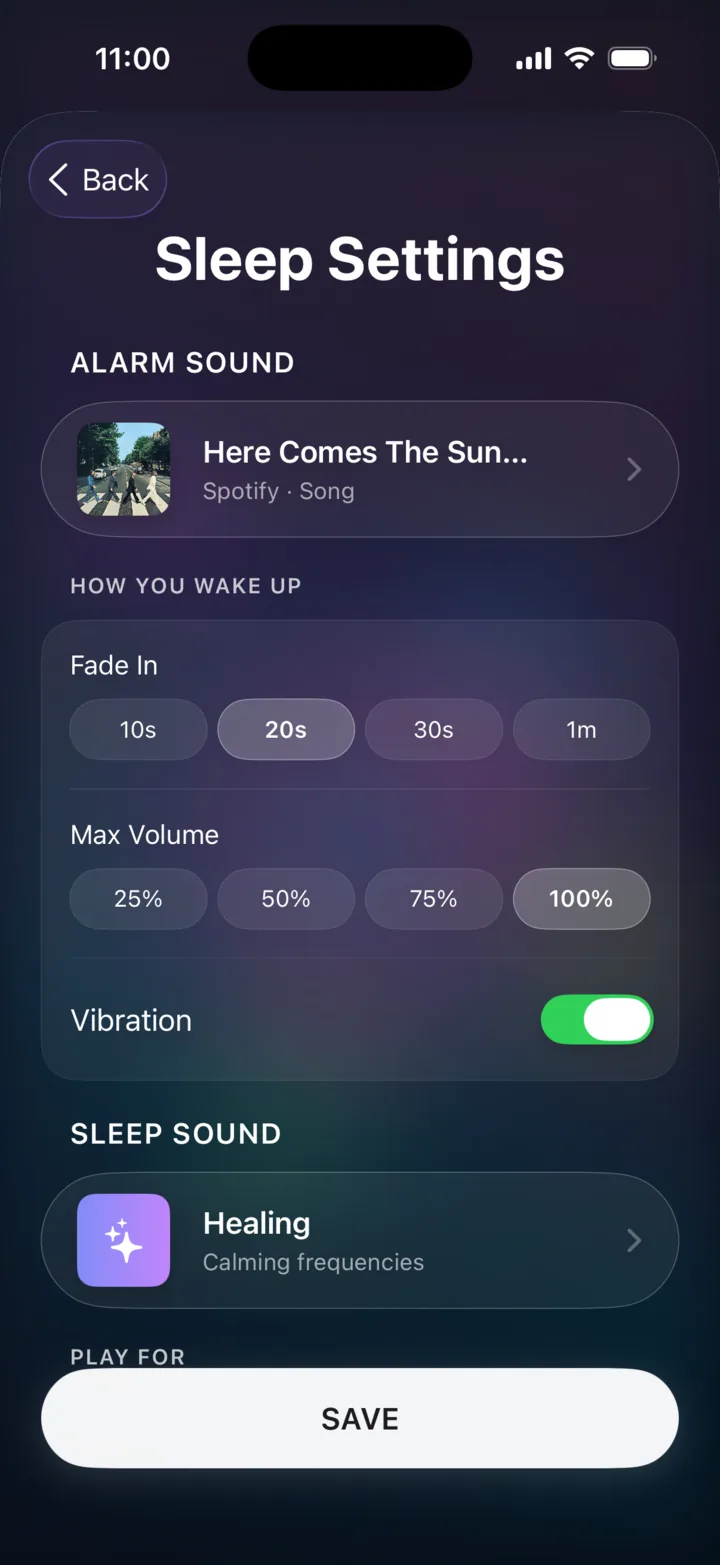
Pick any song, playlist or artist and wake to it instead of a buzzer. The volume rises like a sunrise across a warm gradient wake-up screen — a calmer, more human way to start the day.

Your music is the alarm

Connect Spotify or Apple Music and wake to any track, playlist, album or artist. Premium streaming plays straight through — the song you love is the one that wakes you.

Spotify Apple Music

Sunrise fade-in

Volume eases up gradually over a warm gradient wake-up screen, instead of a jarring shock — refined haptics included.

Sleep timer

Fade your soundscape out after 15, 30 or 60 minutes — or let it run softly until your alarm. Set it once and drift off.

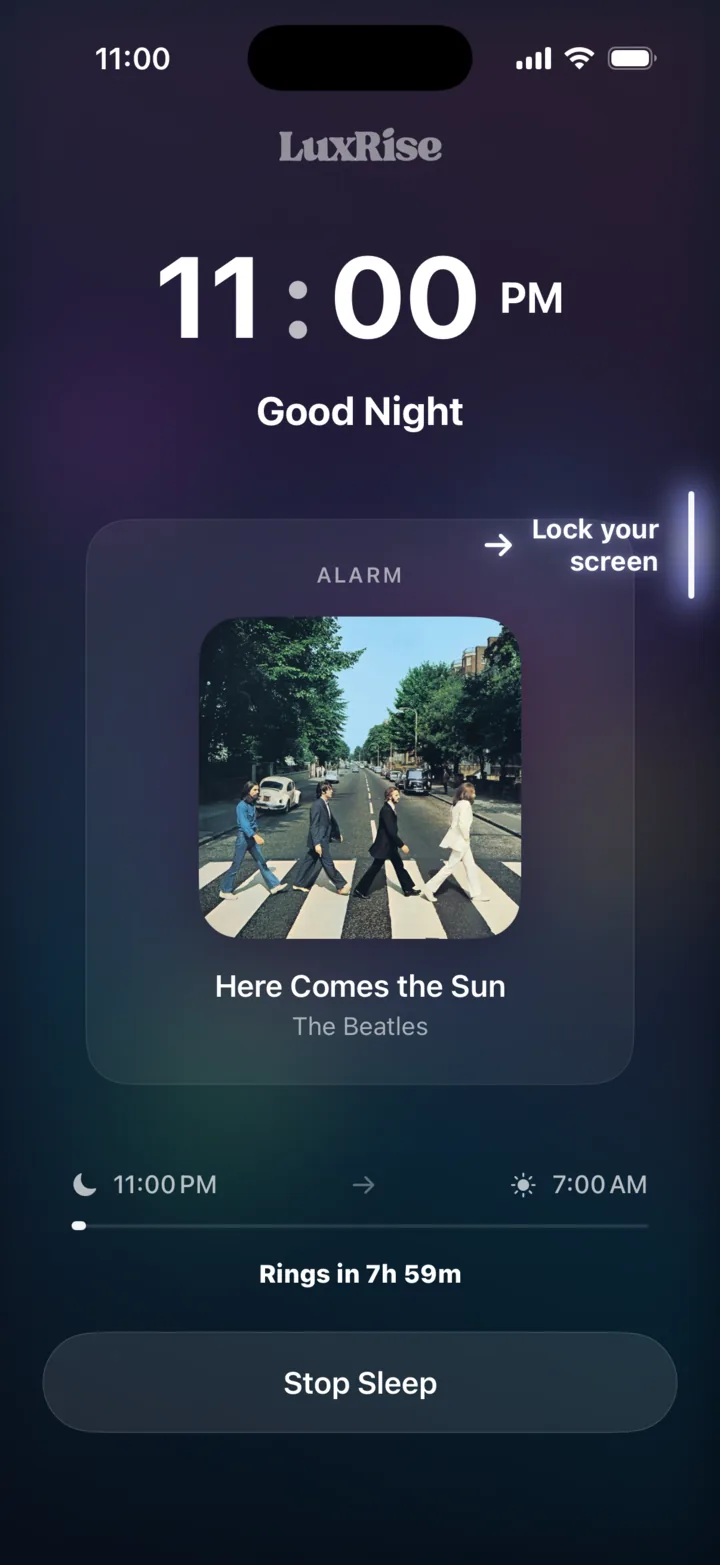
Lives on your Lock Screen

A Live Activity keeps your next alarm and the now-playing track a glance away — all wrapped in LuxRise's signature Liquid Glass look, with a smooth time picker and a streamlined setup.

Live Activity Liquid Glass UI Smooth time picker

The non-negotiable

An alarm you can actually trust.

Music alarms are lovely until the Wi-Fi drops. LuxRise assumes the worst and plans for it: if one layer can't play, the next takes over instantly. Something always wakes you.

  1. 1
    StreamingYour chosen Spotify / Apple Music track
  2. 2
    Local fileA cached copy, no network needed
  3. 3
    Built-in toneBundled soundscape always on board
  4. 4
    System toneThe classic, guaranteed to fire
  5. 5
    SpeechSpoken wake-up as the last resort
  6. Keep-aliveSilent audio holds the session through the night
0Curated soundscapes
0Backup audio layers
0Music services
0App Store rating

Three taps to bed

How it works.

01

Connect your music

Link Spotify or Apple Music once. Skip it and LuxRise falls back to built-in soundscapes.

02

Drift off

Choose a soundscape, set a sleep timer, and let calm music carry you to sleep.

03

Wake to your song

Your music rises gently at your hour across a sunrise wake-up screen. Snooze or dismiss — done.

Good questions

Before you drift off.

Which music services work?

Spotify and Apple Music. Spotify playback runs through the official App Remote, so a Spotify Premium account is recommended for the full music-alarm experience; Apple Music needs an active subscription. You can also wake to built-in soundscapes with no account at all.

What if my internet drops overnight?

You still wake up. The layered backup system steps down to a cached file, a built-in tone, the system tone, and finally spoken audio — so a dead connection never means a missed alarm.

Will it drain my battery?

Playing audio overnight uses no more power than music or a podcast would, and a silent keep-alive track uses far less. We recommend charging overnight regardless — exactly what Apple suggests for battery health.

Can I use it just for sleep sounds?

Absolutely. Open a soundscape, set a sleep timer for 15, 30 or 60 minutes (or until your alarm), and drift off — no alarm required.

What does it cost?

LuxRise is free to download on the App Store, with no ads.

What do I need to run it?

An iPhone on iOS 18.6 or later. Notifications, Health and music access are all optional — skip any of them and the app still works.

LuxRise app icon

Free on iPhone

Tonight, sleep softer.
Tomorrow, rise brighter.

Download LuxRise and set your first sunrise. It takes about a minute.

★★★★★ 5.0 · Free · Health & Fitness · by Luxrising LLP